- DATE:
- AUTHOR:
- The Altmetric team
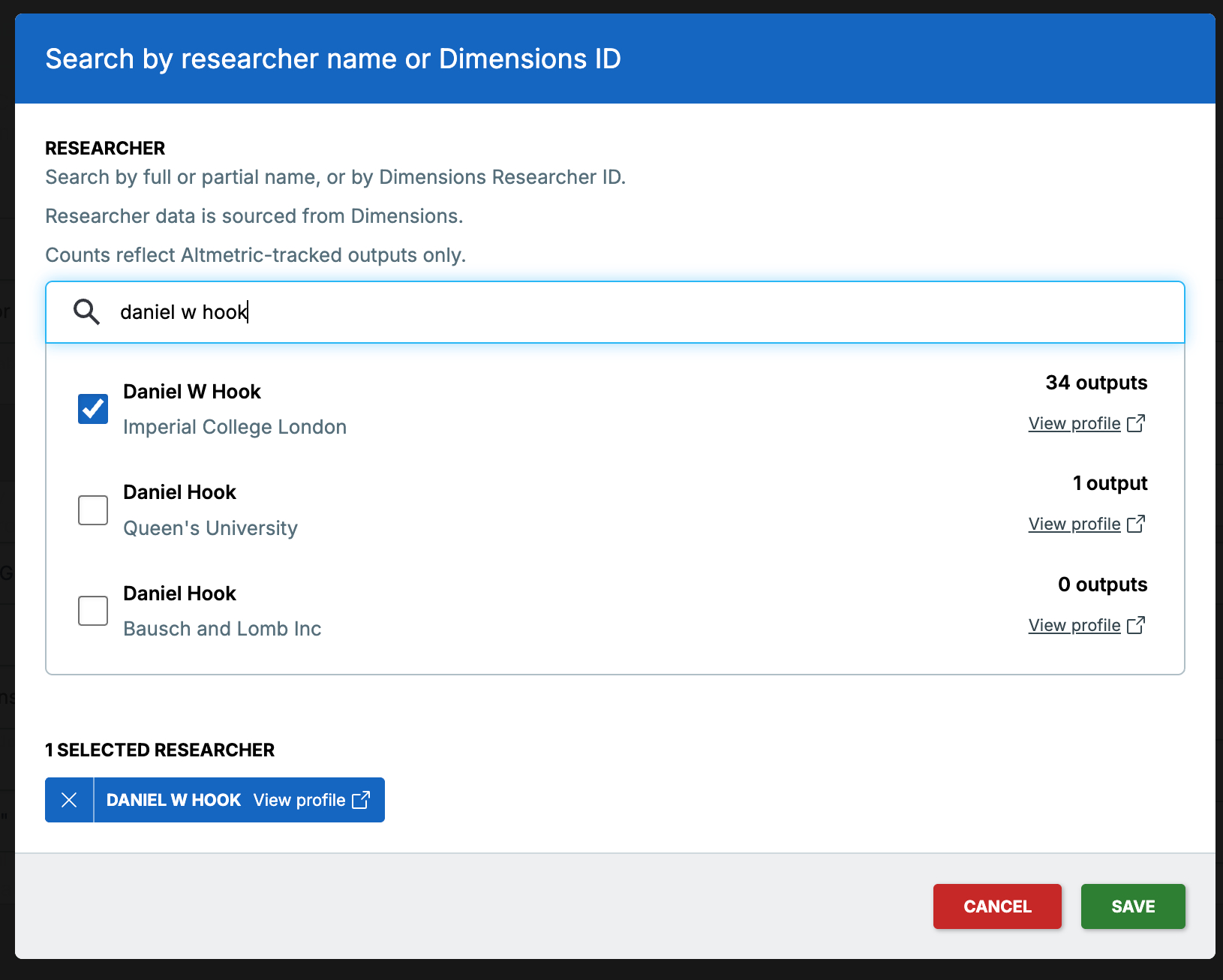
Researcher Search improvements — finding the right profile, made easier
Our Researcher Search feature launched as a way to move beyond output-level search and understand the full picture of a researcher's attention.
Since then, one theme came through clearly from our users' feedback: when similar or identical researcher names appear in search results, it can be hard to know which profile to pick without opening each one in Dimensions individually — which means navigating away from Altmetric mid-search. If you're working with a common name, or a researcher who has multiple profiles in Dimensions, this can make what should be a quick lookup particularly challenging.
Our latest enhancements address that directly.
What's new?
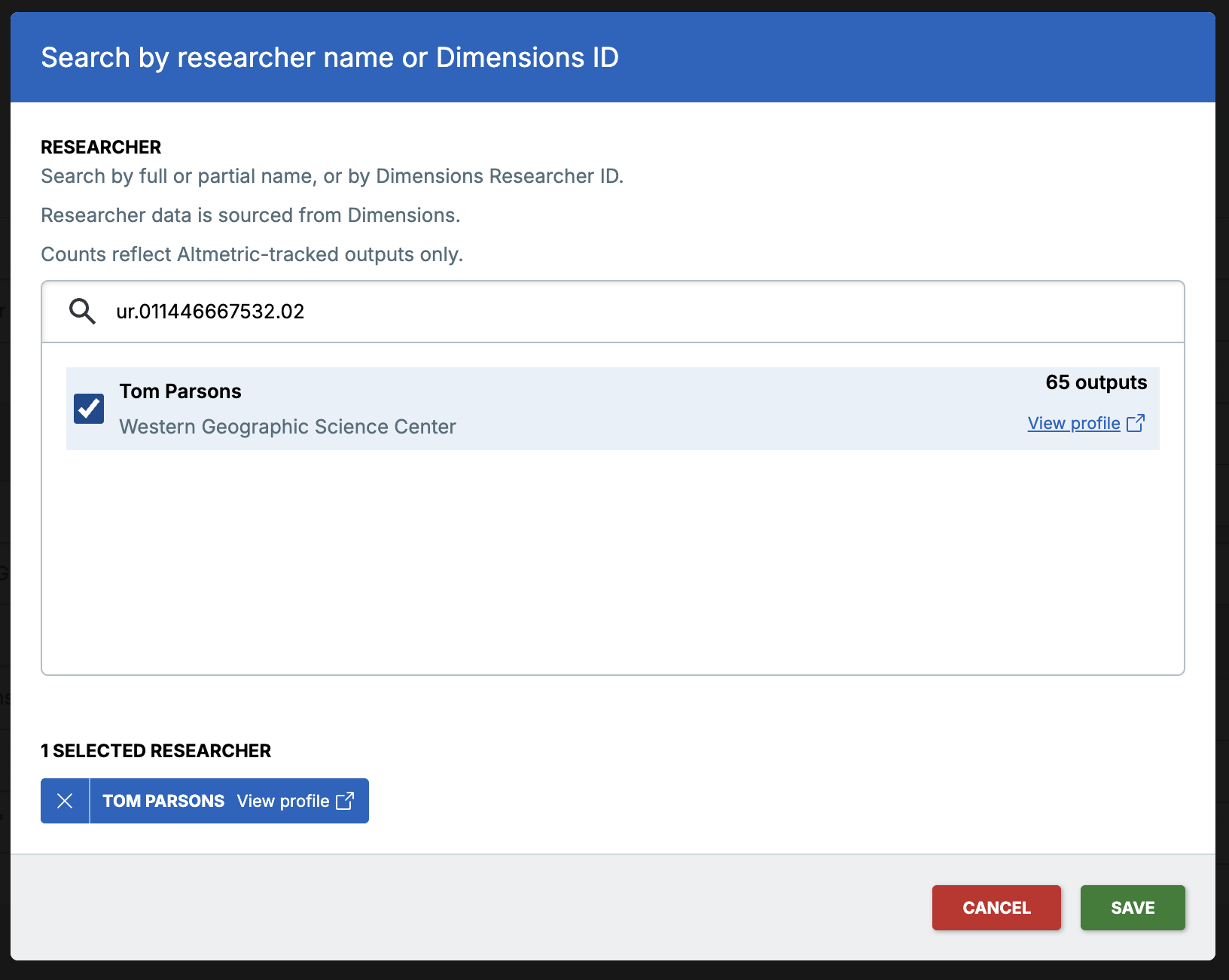
Researcher affiliation is now visible in search results.
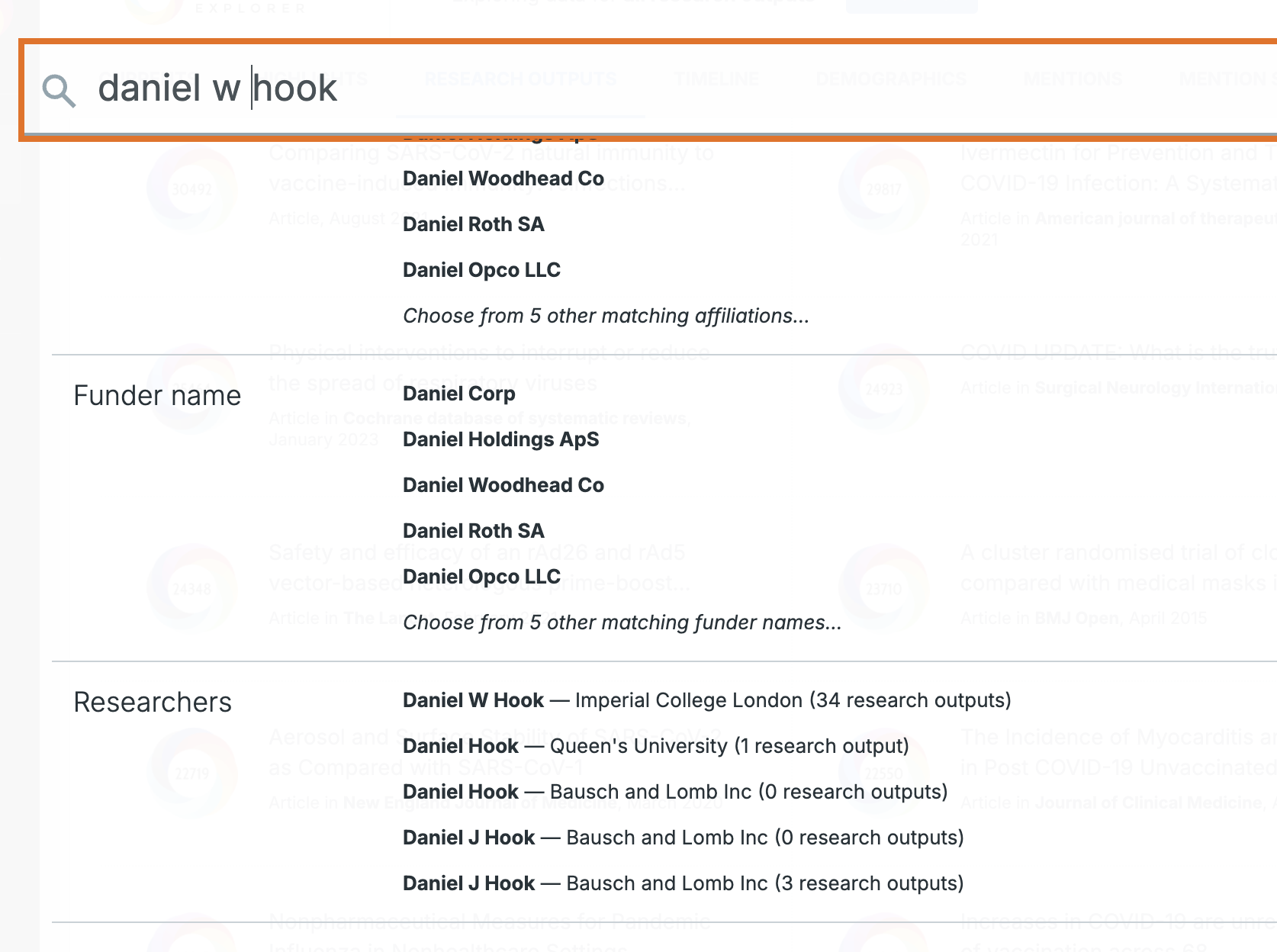
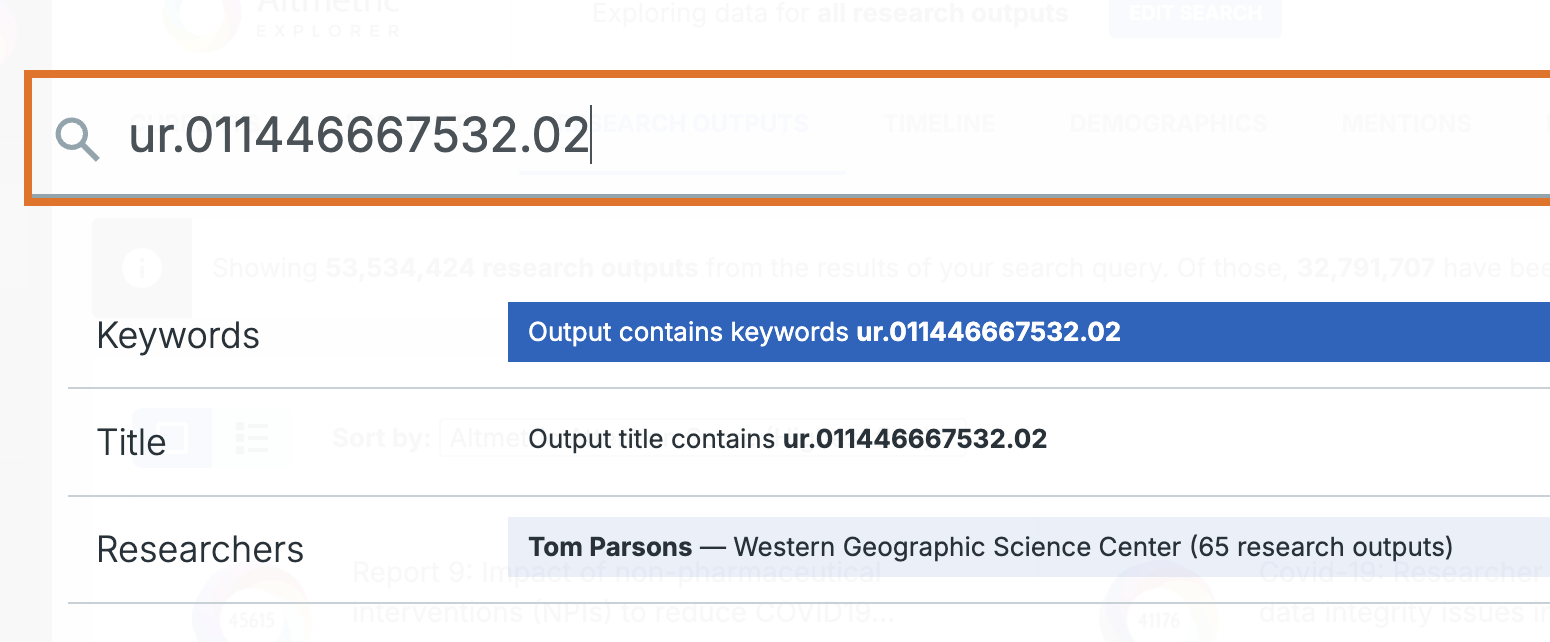
Suggested search results in both Advanced Search and Quick Search now show current affiliation alongside the researcher's name, giving you more information before you commit to a selection.
Output counts help you identify the right profile.
Each result now shows the number of Altmetric-tracked research outputs associated with that profile. When duplicates exist, the one with the higher count is almost always the more complete profile — so you can make a confident choice without having to leave Altmetric to check.
Advanced Search window:
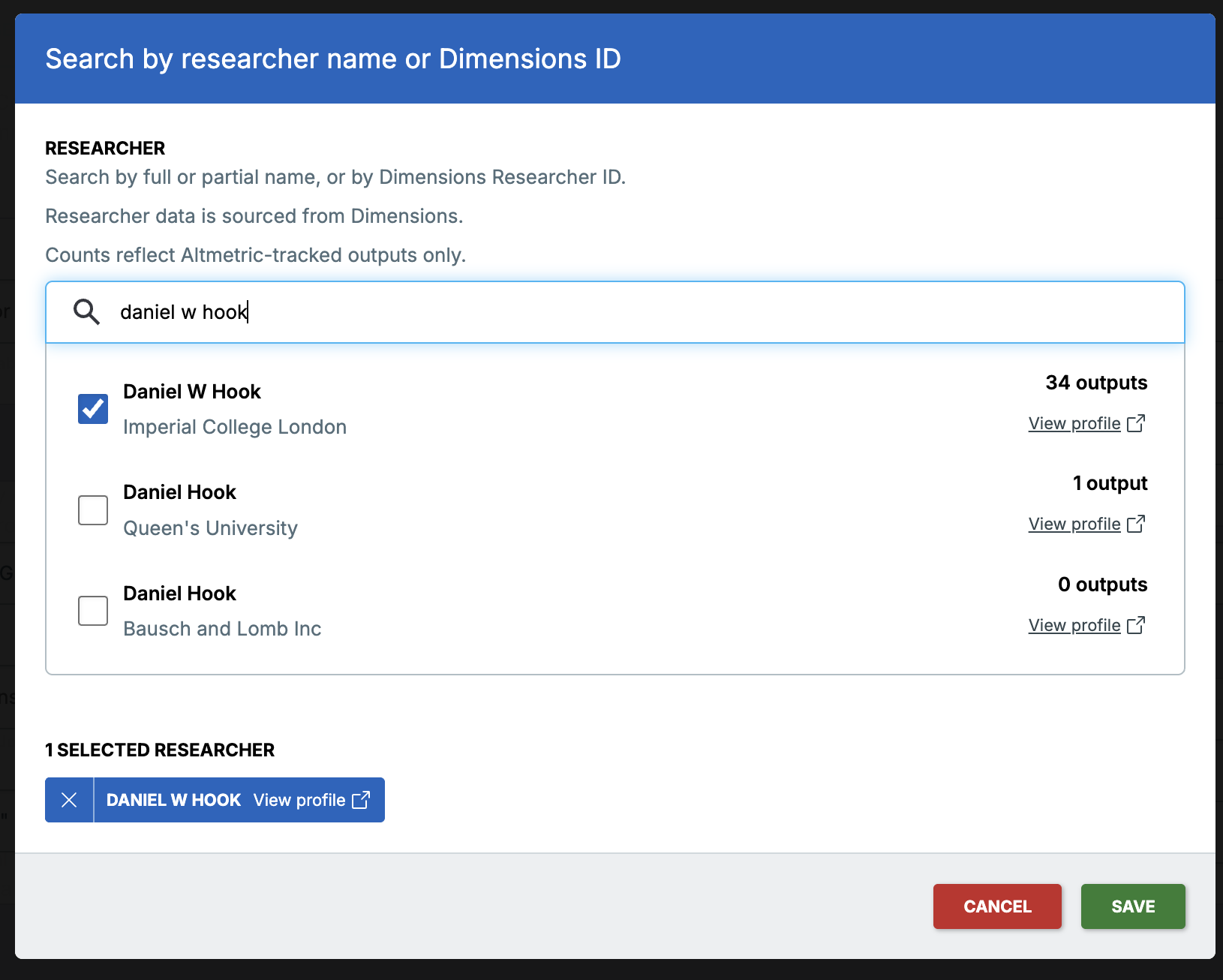
Quick Search dropdown:
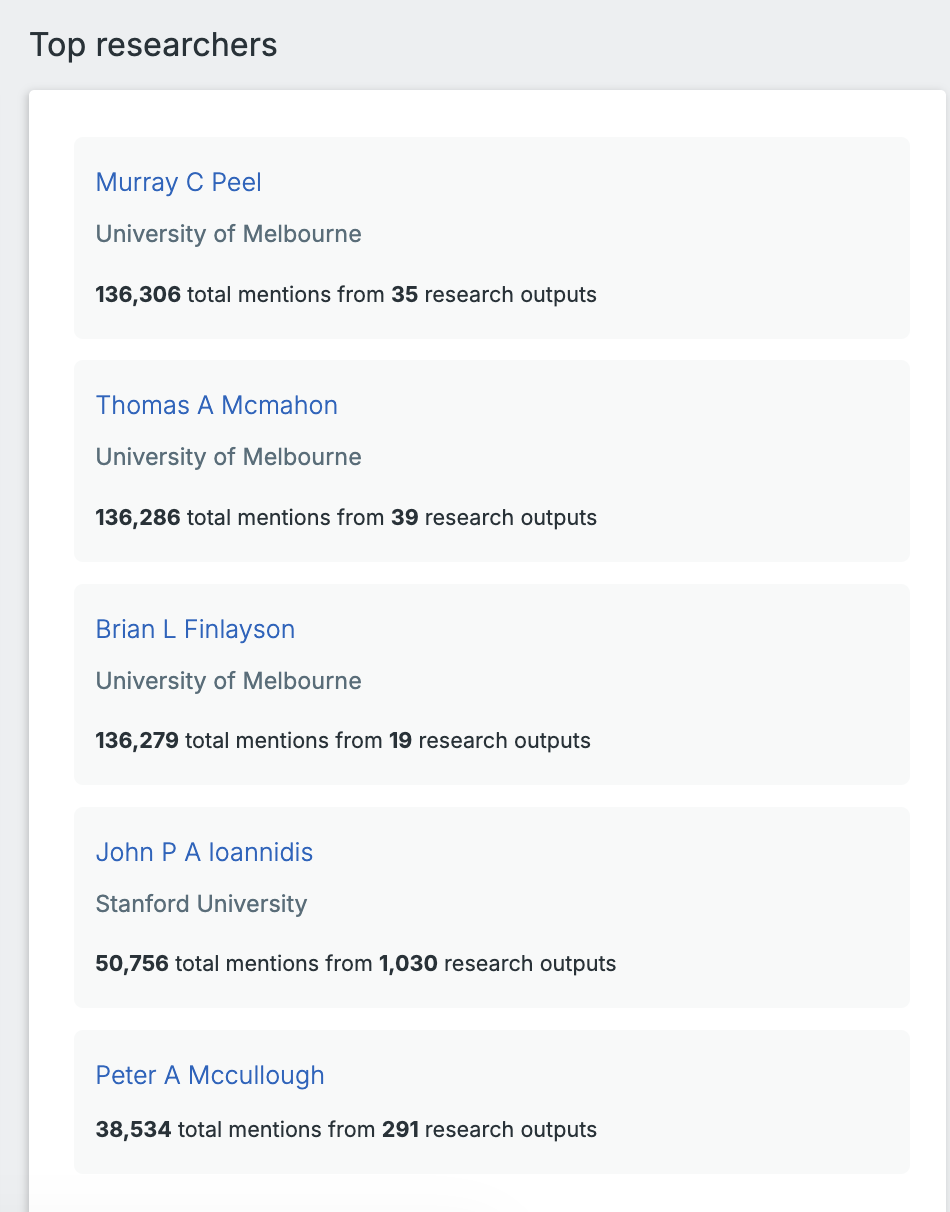
Top Researchers section on the Highlights page:
Search by Dimensions researcher ID
If you need a precise match and have access to your chosen researcher's Dimensions ID, you can now use it to search in Altmetric, too. This applies to the Advanced Search, Quick Search, and Explorer API (see the API documentation here).
A note on data sources
Altmetric sources researcher profile data from Dimensions. In some cases, the same researcher may appear more than once; this is a known limitation of how researcher data is disambiguated at scale. The affiliation and output count now visible on each result are there to help you navigate this with more confidence.
Please contact the Altmetric Support team for any further questions, we'll be happy to help!