- DATE:
- AUTHOR:
- The Altmetric team
Altmetric Badges: new design and improved accessibility
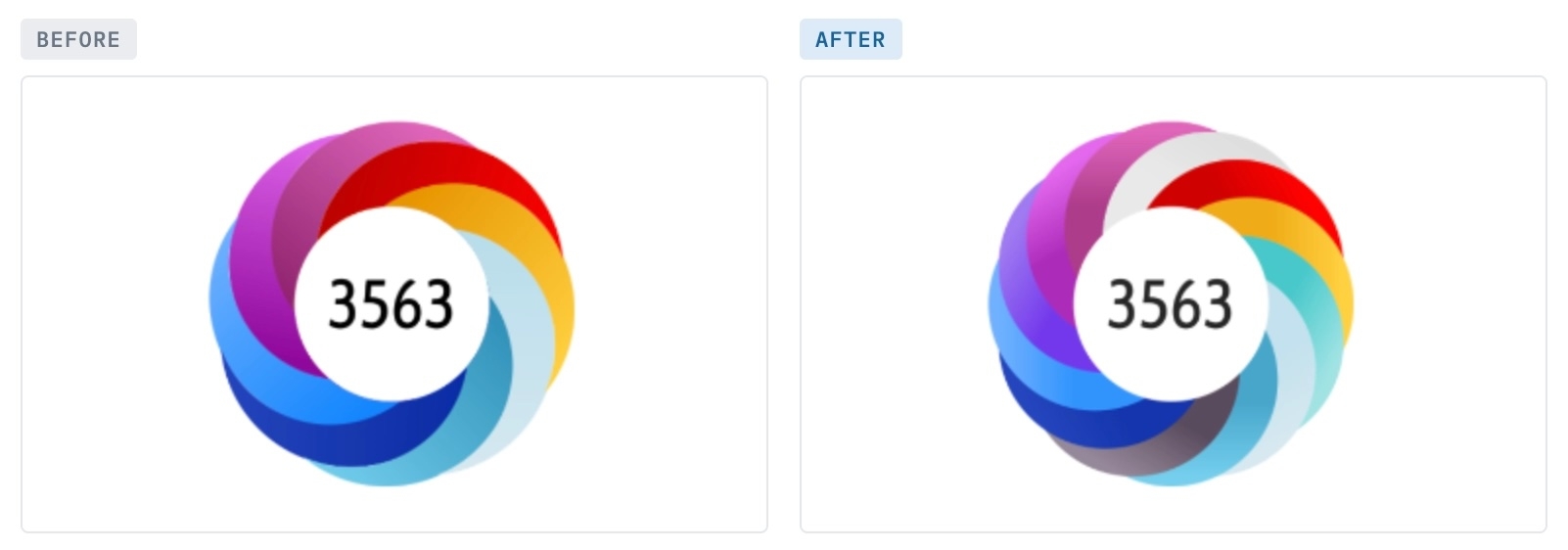
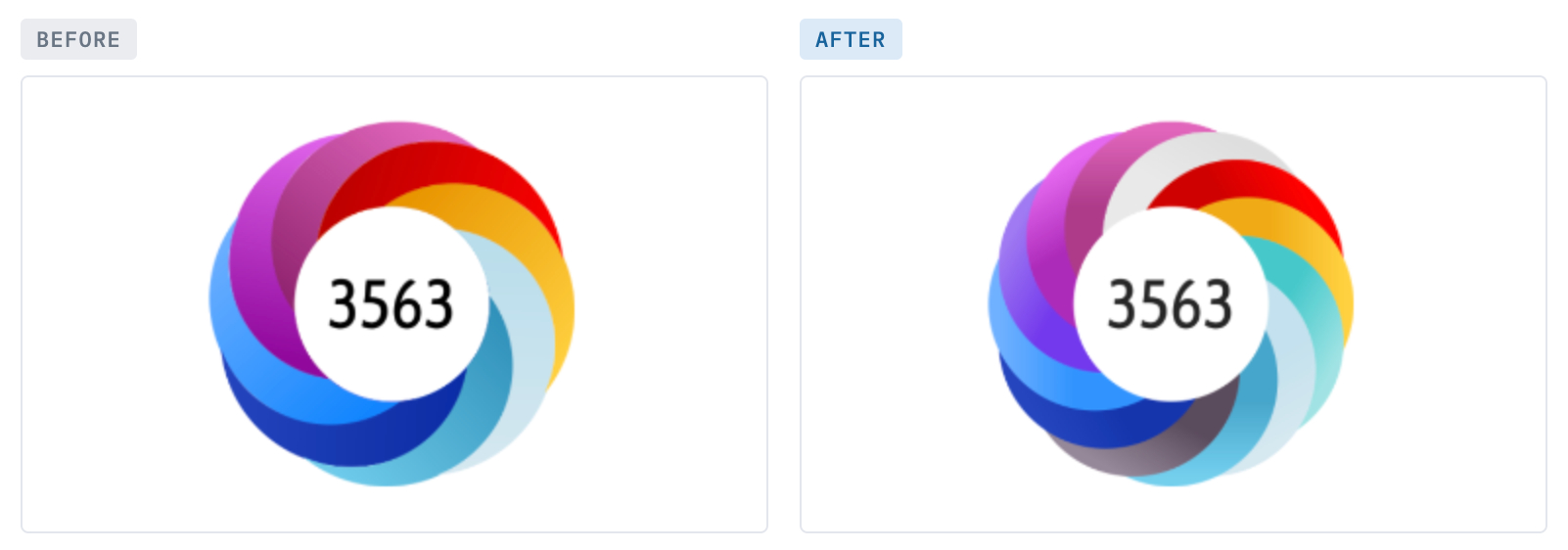
The Altmetric badge (also known as the Donut) is often the first thing researchers, librarians, publishers and many more end users see from us. It appears on millions of article pages and repository records, as well as across Altmetric products. Its design has changed little since 2011, when we tracked 8 individual sources. We now track over 20, so we redesigned the badges to represent more sources in the donut at a glance.
The new design is now live across Altmetric products, and the vast majority of sites with embedded Badges.
If your implementation uses our standard embed code, there is nothing you need to do to implement it: your Badges will update on their own.
What's new?
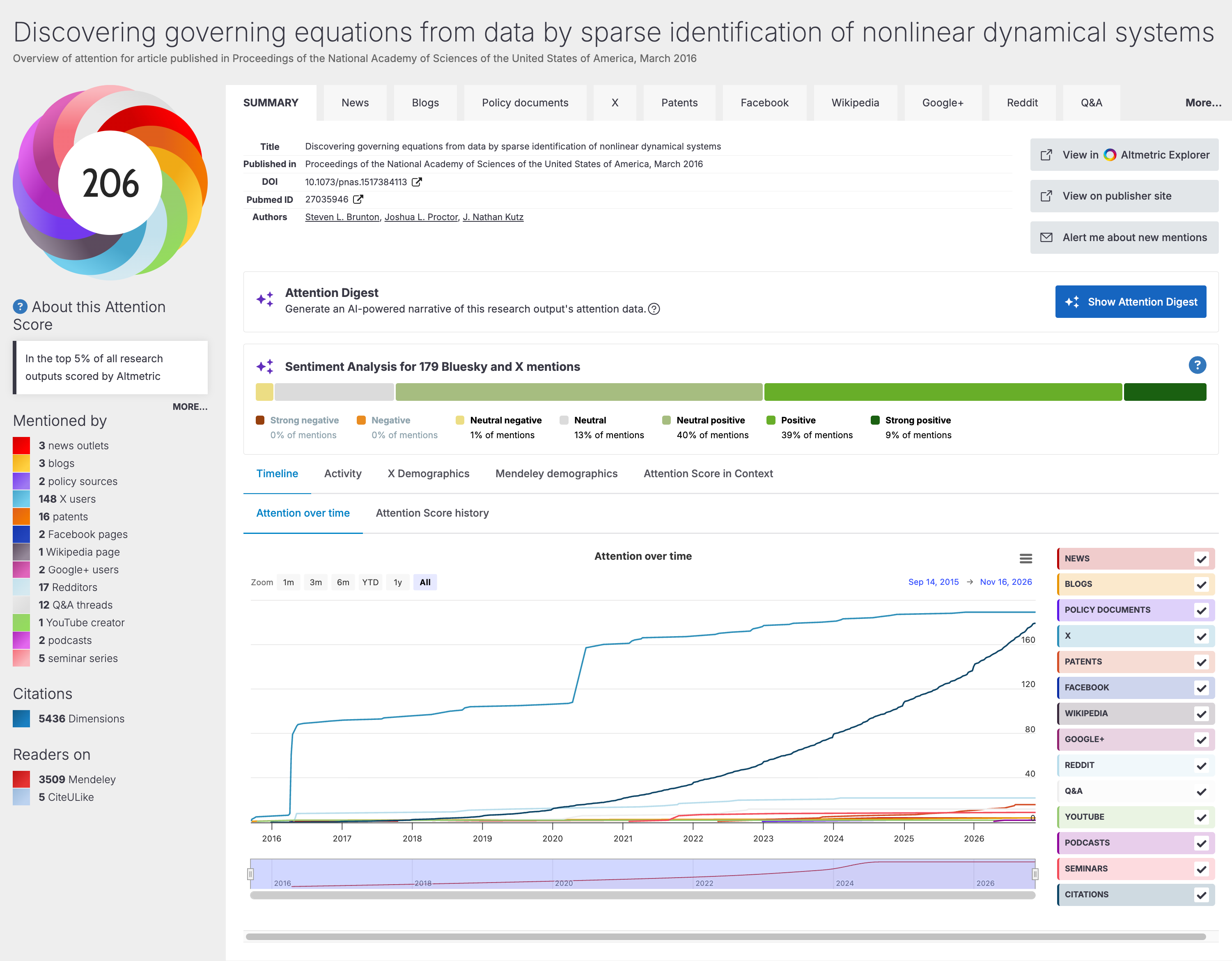
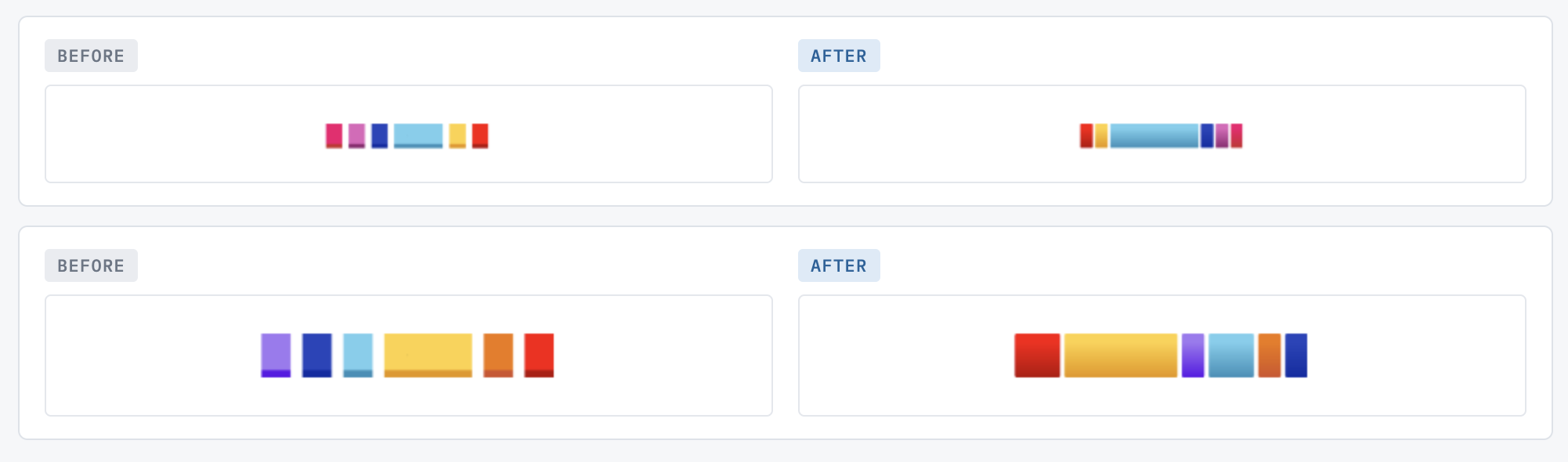
See more of where attention comes from, at a glance. Donuts and bar badges show up to 12 sources instead of 8, so lower-frequency sources such as policy documents, clinical guidelines and patents are better represented and less likely to be left out of the donut.
Get a more current, more readable design. New shading and more colour variety, especially for highly mentioned outputs, in the same space as before.
Meet accessibility needs more easily. The badges are designed to meet WCAG 2.2 AA standards, with improvements for keyboard and screen reader navigation. We are working on an updated VPAT (Accessibility Conformance Report) specifically for Badges, and will add it on our Help portal's Accessibility page as soon as it is ready.
Key features
Donut badge: up to 12 segments with new shading
Bar badge: up to 12 segments. Sources now appear in the same order as the "Mentioned by" list on the Details Page (News first), so the two line up.
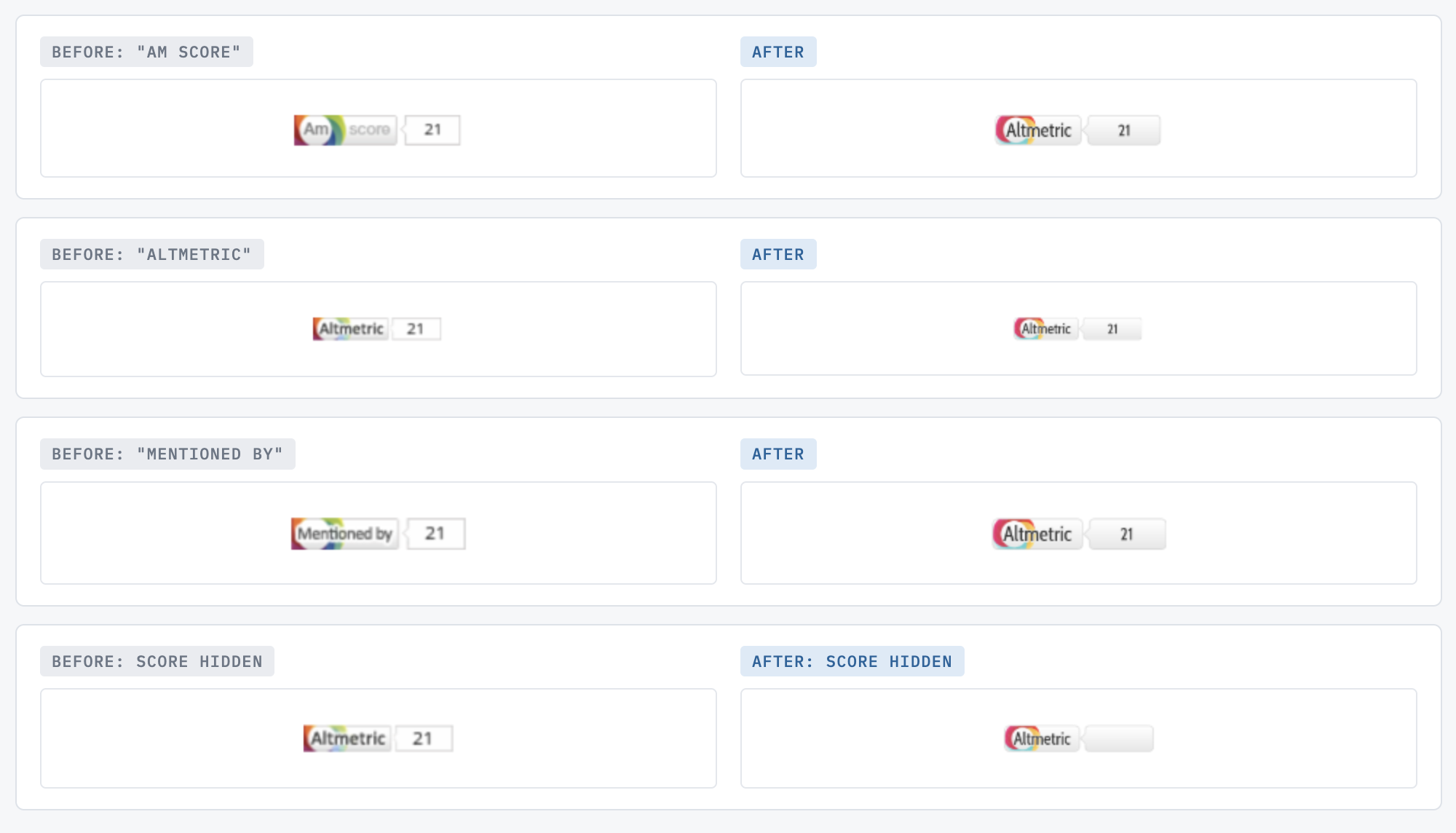
Small badge: the wording now reads "Altmetric" for every small badge, replacing the older "Am score" and "Mentioned by" versions, at the same size. The small badge also includes a miniature donut that reflects that output's own attention, instead of the same generic donut on every badge. The option to hide the score now works on small badges too.
Loading and no-data badges: these now show a new grey donut with 12 segments.
Popover: improvements to keyboard and screen reader navigation.
Implementation notes
After a site switches to the new design, browsers can keep showing the old badge for up to several hours. This is normal, and will clear on its own.
If you continue seeing the previous design (v1): please note that some badges will remain on v1 for now. This applies mainly to badges where the code was copied and pasted from another page rather than loaded through our standard embed code, and to some integrations that added their own customisation. Starting in late November / early December, we will be contacting customers still on v1 to help them upgrade, as this may require code changes on their end.
If you would like to upgrade sooner, please contact our Support team.
Getting the most from the accessibility improvements: For a badge to support WCAG 2.2 AA criteria on your site, it needs a list of sources next to it, either shown directly beside the donut or as a popover. We have updated our Badges documentation with configuration guidance.